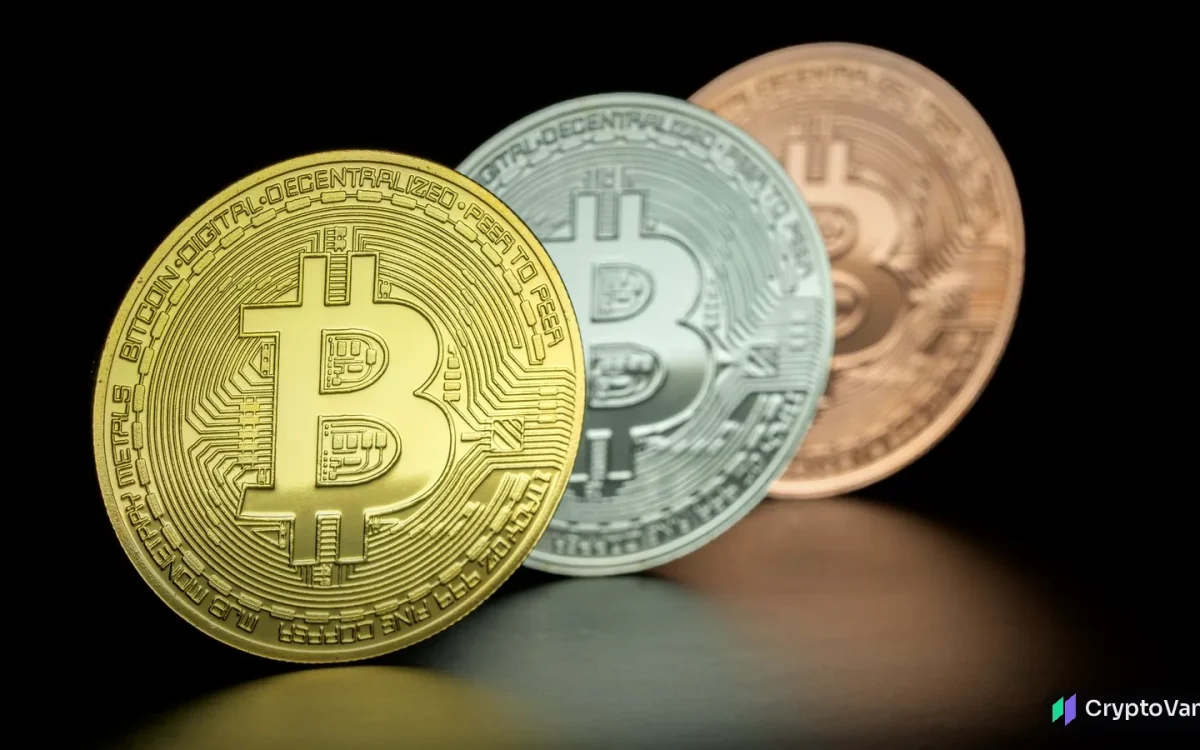
“Not your keys, not your coins” is one of crypto’s oldest sayings. When you leave crypto on an exchange, you own an IOU. When you self-custody, you hold the keys that control the coins. This guide walks you through setting up a self-custody wallet safely, step by step.
Custodial vs. self-custody
| Exchange (custodial) | Self-custody | |
|---|---|---|
| Who holds the keys | The exchange | You |
| Password reset | Yes | No. Lose the recovery phrase, lose the coins |
| Platform failure risk | Yes | No |
| Account freeze risk | Yes | No (some tokens, like USDT/USDC, can still be frozen by their issuer) |
| Your responsibility | Low | High |
Step 1: Choose your self-custody wallet type
- Hardware wallet: a small device that keeps your keys offline and signs transactions on the device itself. Best for meaningful amounts.
- Software wallet: an app on your phone or computer. Convenient for small amounts and daily use, but exposed to malware on that device.
- Multisig: needs several keys to approve a transaction. Good for large holdings or shared funds, but more complex.
A common setup is a hardware wallet for savings and a software wallet for spending.
Step 2: Buy safely
- Buy hardware only from the manufacturer or an authorized reseller. Never second-hand.
- Check that the packaging hasn’t been tampered with.
- A legitimate device never comes with a pre-printed recovery phrase. If yours does, it is a scam.
Step 3: Create and back up your recovery phrase
When you set up the wallet, it generates a recovery phrase (also called a seed phrase), usually 12 or 24 words. Anyone with these words has your coins.
- Write the words by hand on paper, or stamp them on a metal backup plate to protect against fire and water.
- Never photograph them, store them in cloud notes, email them or type them into any website.
- Store the backup somewhere secure and private. Consider a second copy in a separate location.
- Optional, advanced: add a passphrase (sometimes called a “25th word”). It adds protection, but if you forget it, the coins are gone.
The >bitcoin.org security guide gives similar advice: offline backups, encryption and multiple locations.
Step 4: Send a small test transaction
Before moving a large amount:
- Send a small amount from the exchange to your new wallet address.
- Confirm it arrives.
- Optionally, send it back out to prove you can spend from the wallet.
Always check the first and last several characters of the address on the hardware device’s screen, not just on your computer. “Address poisoning” scams send you tiny transactions from look-alike addresses, hoping you’ll copy the wrong one from your history.
Step 5: Use your self-custody wallet safely every day
- Clear signing: read what you’re approving on the device screen. If it shows unreadable data, be careful.
- Token approvals: DeFi apps ask permission to spend your tokens. Unlimited approvals can be abused later. Revoke the ones you no longer need.
- Bookmark the real websites you use. Phishing sites often appear at the top of search ads.
- Nobody legitimate will ever ask for your recovery phrase. Not support staff, not “wallet validation” sites, not airdrops.
Step 6: Plan for the long term
- Inheritance: write instructions a trusted person can follow without exposing your phrase today. Options include sealed letters, legal arrangements or multisig.
- Firmware updates: install them only from the manufacturer’s official app.
- Records: keep notes of when you bought and moved coins. You’ll need them for taxes (crypto taxes basics).
When self-custody adds risk
New tools blur the line. Ledger’s new Crypto Loan feature lets you borrow from a self-custody wallet, but it adds smart-contract and liquidation risk. Longer-term threats such as quantum computing are also discussed in our crypto bunker mode explainer. Self-custody removes exchange risk. It doesn’t remove every risk.
CryptoVank’s take
Running a self-custody wallet is the most important skill in crypto, and most of it is about habits rather than technology. The cryptography almost never fails. People get tricked. Do it once slowly and carefully, test with small amounts, and treat your recovery phrase like the deed to your house. If you’re still learning, read our scam guide before moving serious money.
Self-custody wallet FAQ
What happens if I lose my hardware wallet?
Your coins are safe as long as you have your recovery phrase. Restore it on a new device.
What happens if I lose my recovery phrase?
If you also lose access to the device, your coins are unrecoverable. No one can reset it.
Should I keep all my crypto in self-custody?
Many people keep savings in self-custody and a small trading balance on an exchange.
Is a hardware wallet worth it for small amounts?
For very small amounts, a reputable software wallet may be enough. Once the amount would hurt to lose, hardware is worth it.
Sources
- >bitcoin.org: Secure your wallet
- >ethereum.org: Ethereum wallets
- >FBI IC3: 2025 Internet Crime Report
This article is for information only and is not financial advice.


4 comments